> For the complete documentation index, see [llms.txt](https://legacy-docs.aragon.org/llms.txt). Markdown versions of documentation pages are available by appending `.md` to page URLs; this page is available as [Markdown](https://legacy-docs.aragon.org/japanese-aragon-user-documentation/products/aragon-client/things-to-do-after-youve-started-a-dao/how-to-create-a-legal-wrapper-for-your-dao-with-otoco.md).
# How to create a Legal Wrapper for your DAO with Otoco
{% hint style="info" %}
Being a DAO is great, but sometimes contracts with 'real world' entities are needed, and they need you to be a 'real world' entity as well. This is a How to Guide to setup a standard Delaware Series LLC with [**Otoco**](https://otoco.io/) and to integrate it with your Aragon Client DAO.
Cost to do this? Less than 5 USD!
{% endhint %}
In our example, you started a new Aragon DAO called Awesome Music, a decentralized Music Label. All is working well, you are collaborating with people online in different countries.
But soon you find out that a musician of Classical Music insists on having a legal contract with your DAO Label instead of a token agreement.
That needs the DAO to be registered in the legacy world as an LLC. But how on earth do I do that? Let us show you how!
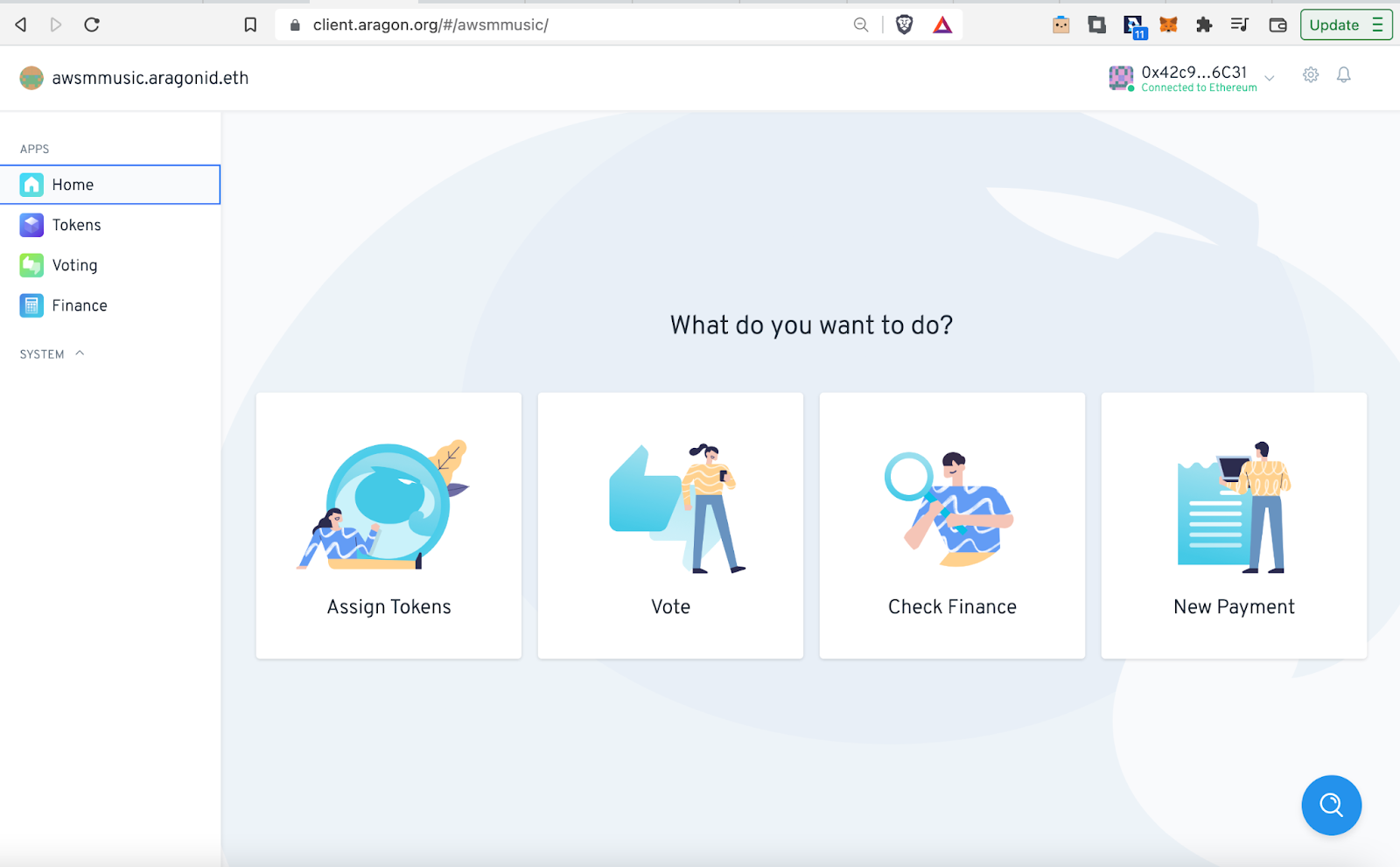
Open the DAO on Aragon Client by clicking on the following link: [**https://client.aragon.org/#/awsmmusic/**](https://client.aragon.org/#/awsmmusic/) (This example DAO is on Ethereum Mainnet).
{% hint style="danger" %}
Switch your Web3 Wallet to **Ethereum Mainnet**, to make the DAO appear on Aragon Client.
Next to Ethereum Mainnet, Otoco is also available on **Goerli Testnet, Polygon Mainnet, and Mumbai Testnet**, so you can also integrate your Client DAO on these networks with Otoco!
{% endhint %}
You should see the following screen. Click on 'Assign Tokens':
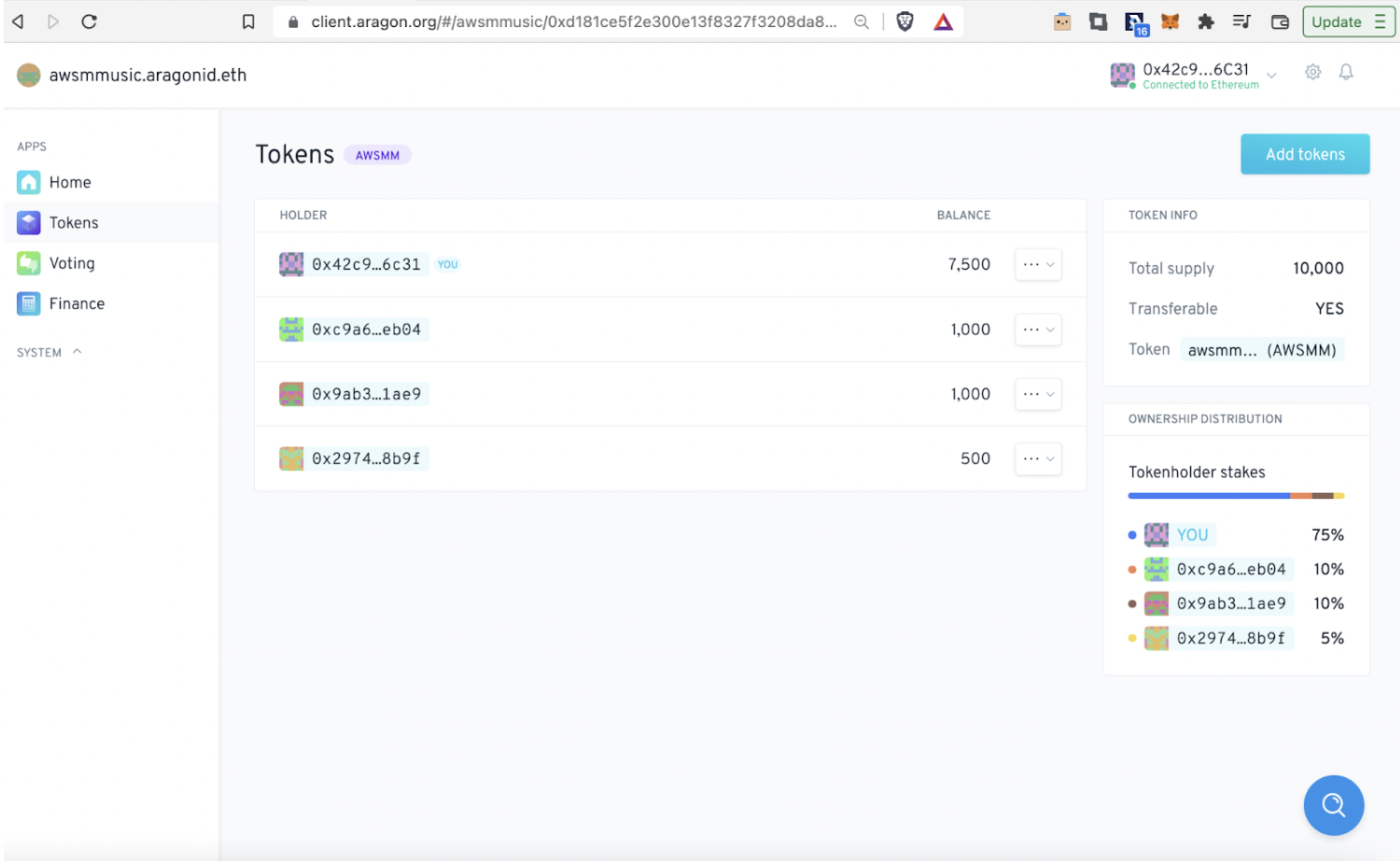
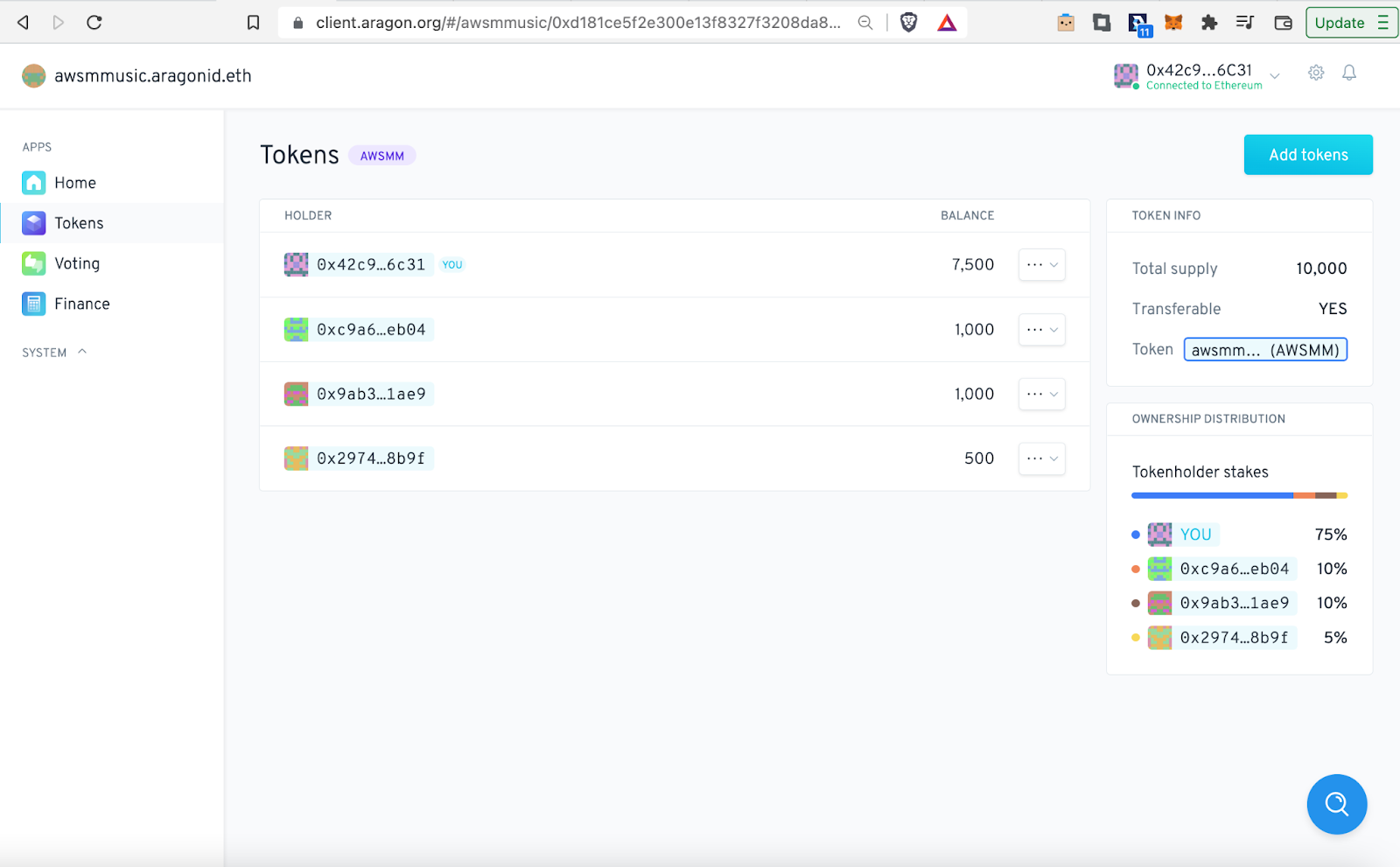
This takes you to the 'Tokens' app. Here you can see some of the Token Holders, the artists which signed up with Awesome Music.
Now let’s go to Otoco, to create a legal integration for the DAO. Here’s the link [**https://otoco.io/**](https://otoco.io/)
Click on 'Spin up your project now':
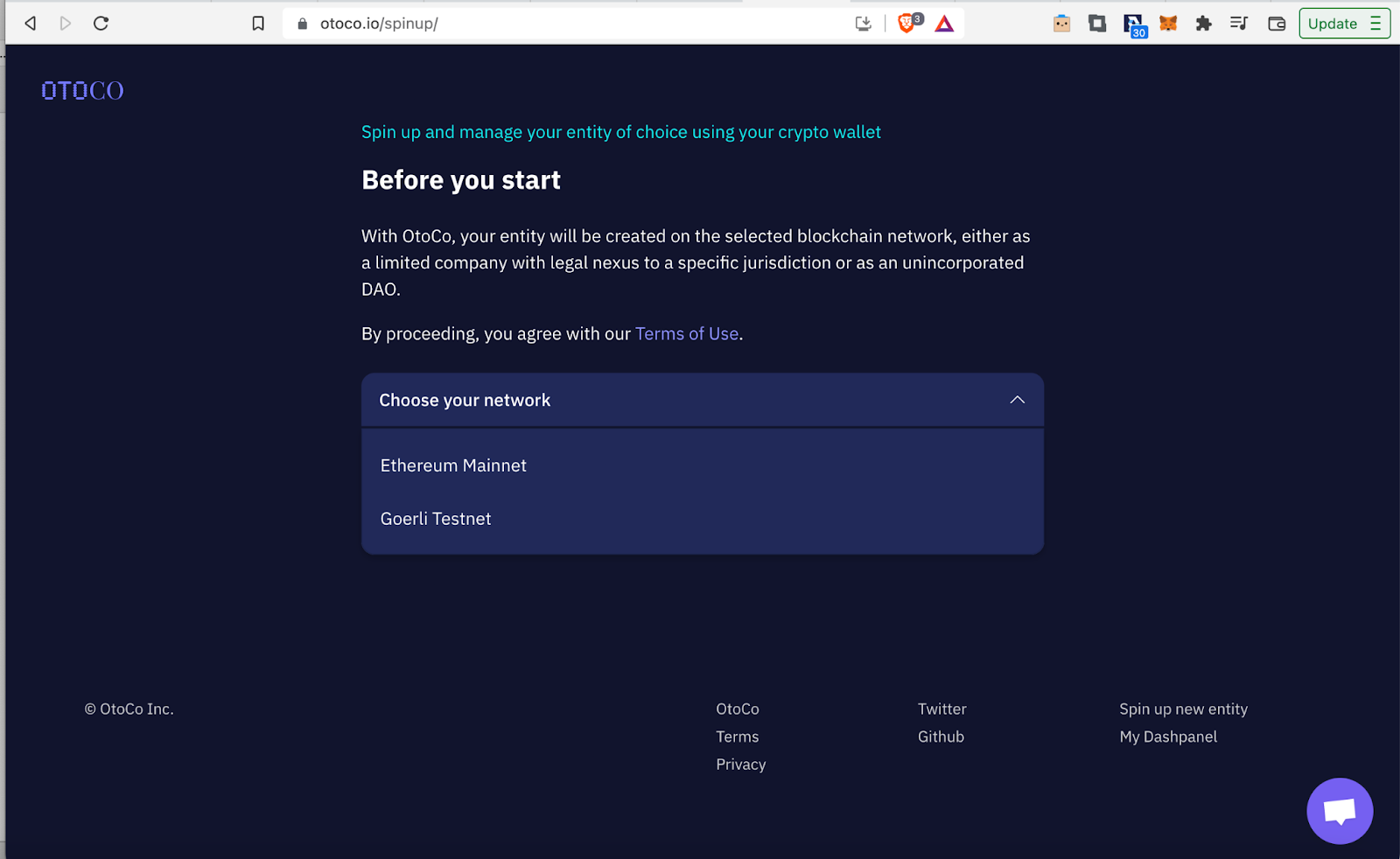
Select 'Ethereum Mainnet' and click 'Get started on next screen':
Then select 'Just Me' and then 'Continue':
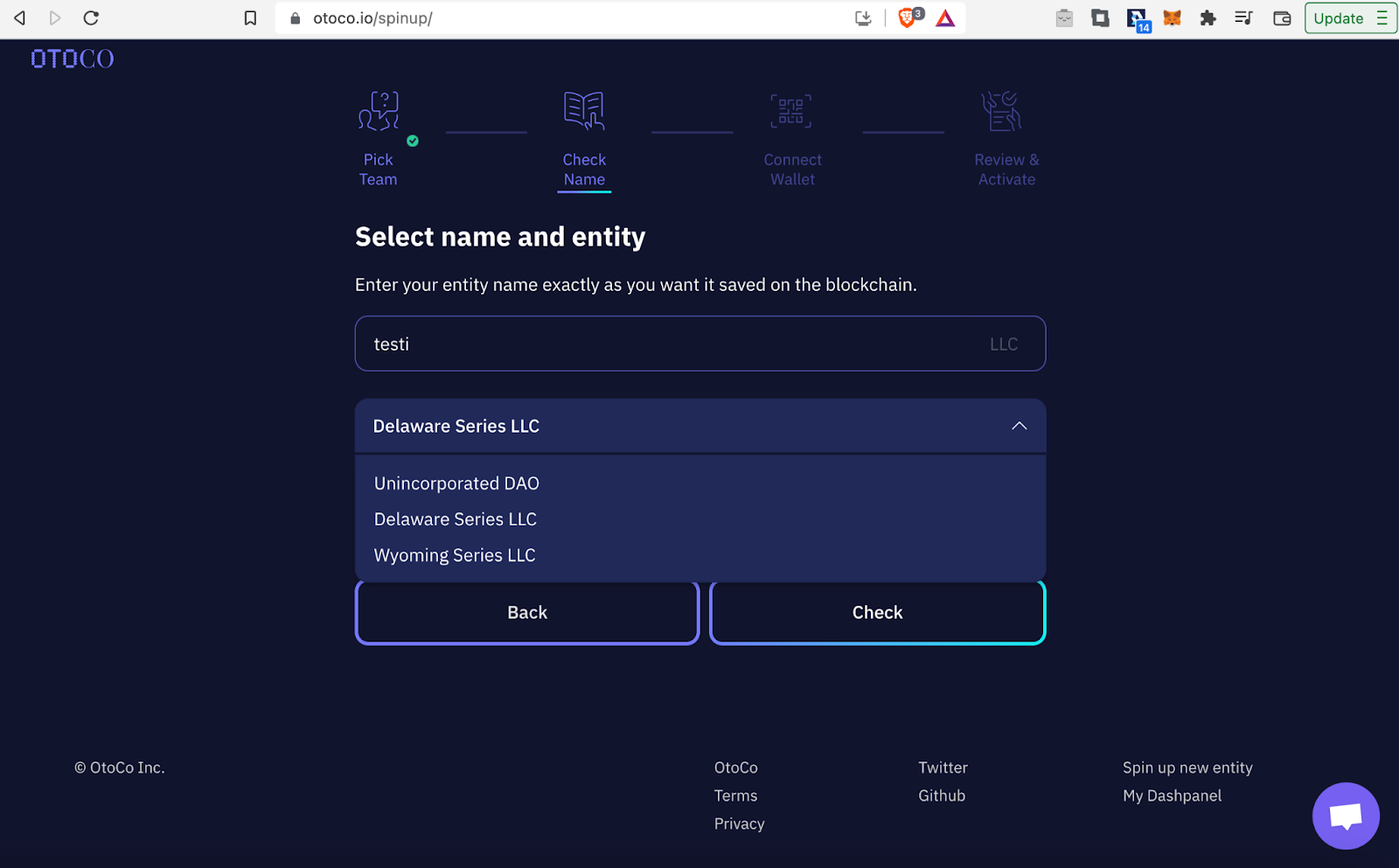
At the moment the only options to set up an LLC are in the USA. For this example select 'Delaware Series LLC', then click 'check' and then 'continue':
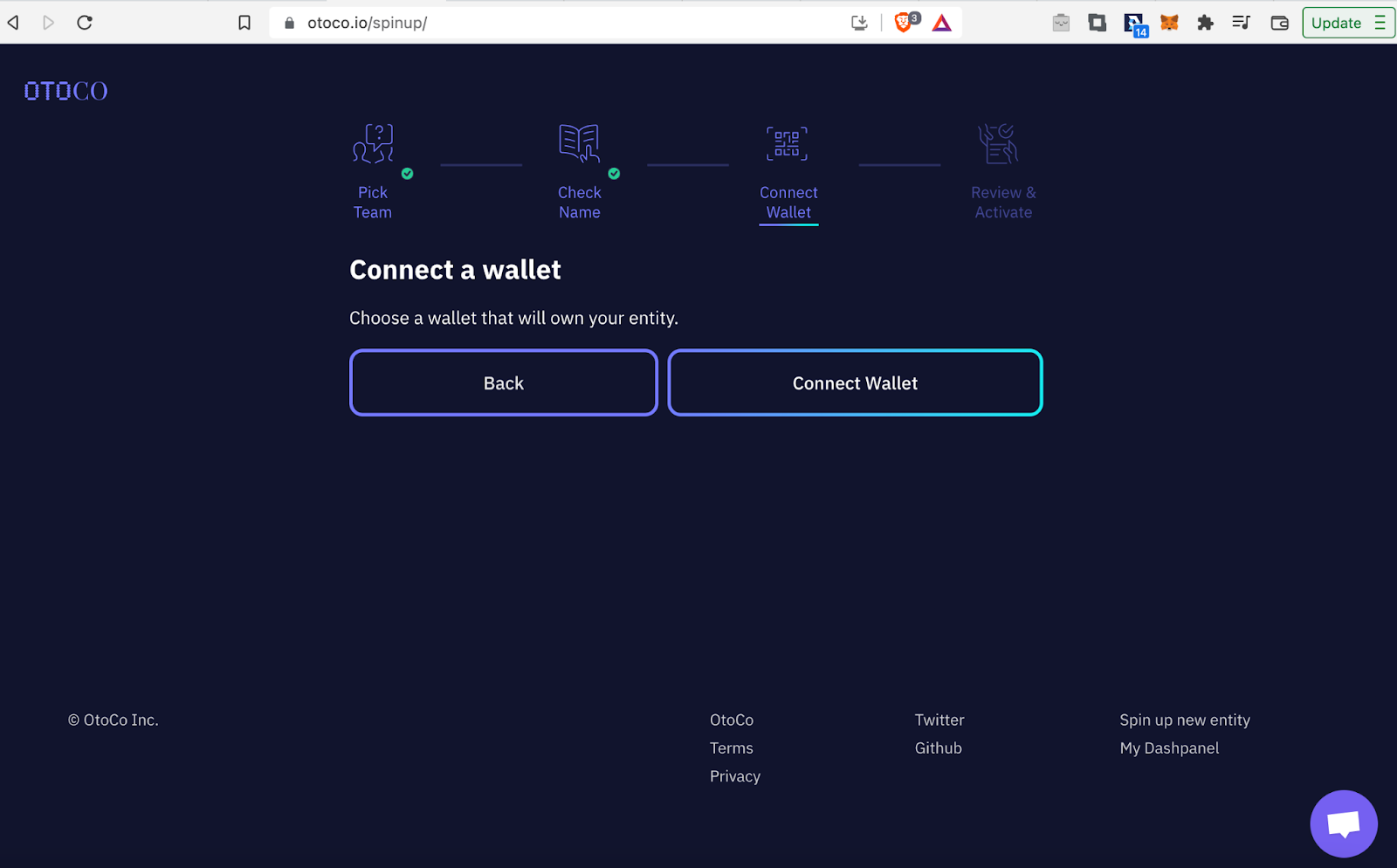
Now it's time to connect your Web3 Wallet. Pre-select the account in your wallet which also owns DAO tokens and the right network, in this case 'AWSMM' tokens and 'Ethereum Mainnet'.
{% hint style="danger" %}
If you connect a Web3 Wallet account to Otoco which does not own DAO tokens, the integration will not work.
{% endhint %}
Click 'Connect Wallet':
Check whether your wallet connected successfully. In this screen click 'Activate Company'. Now a transaction should pop-up in your Web3 Wallet. Confirm the transaction:
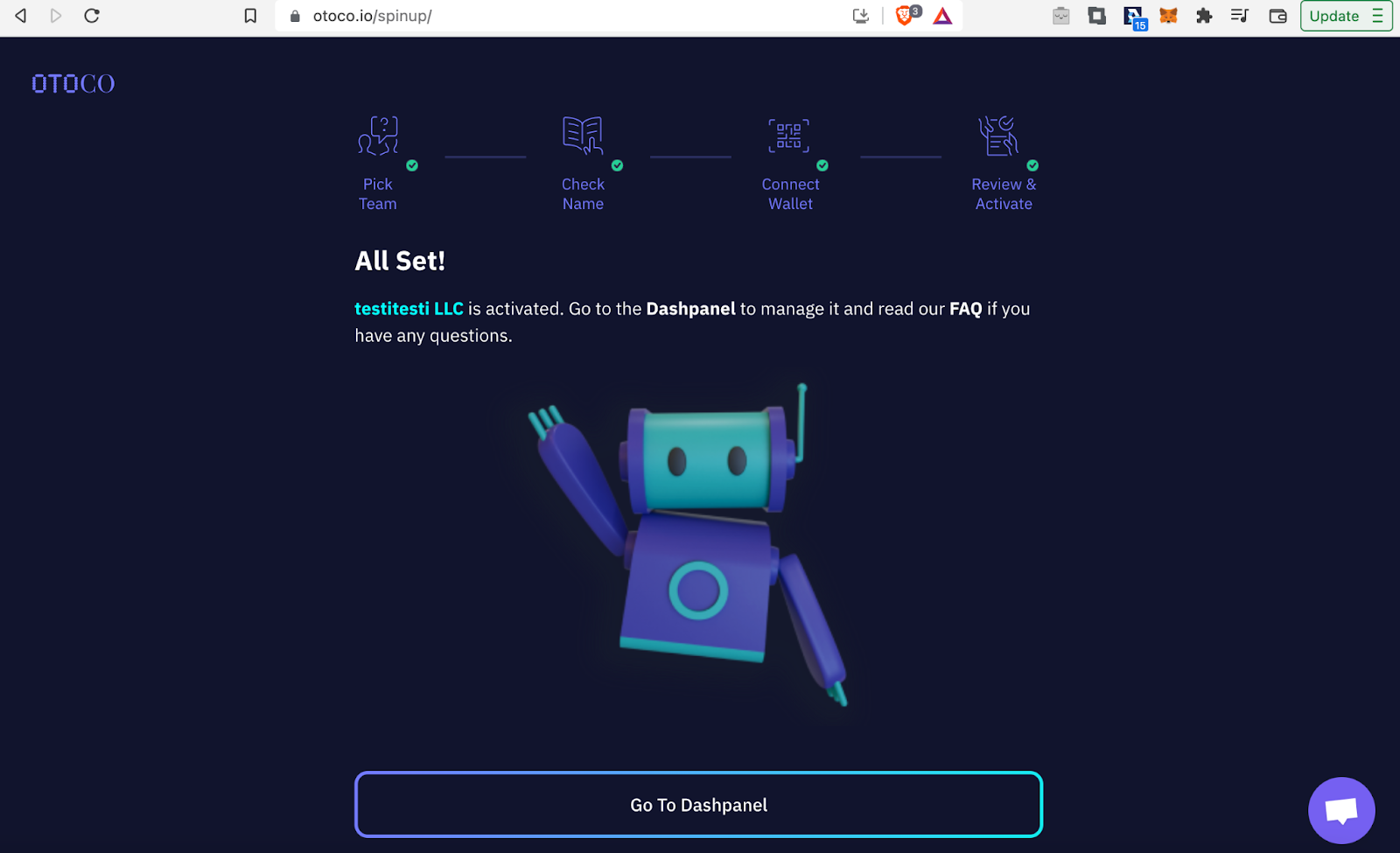
Once the transaction has been processed you should see the following screen. Click here on 'Go To Dashpanel':
{% hint style="success" %}
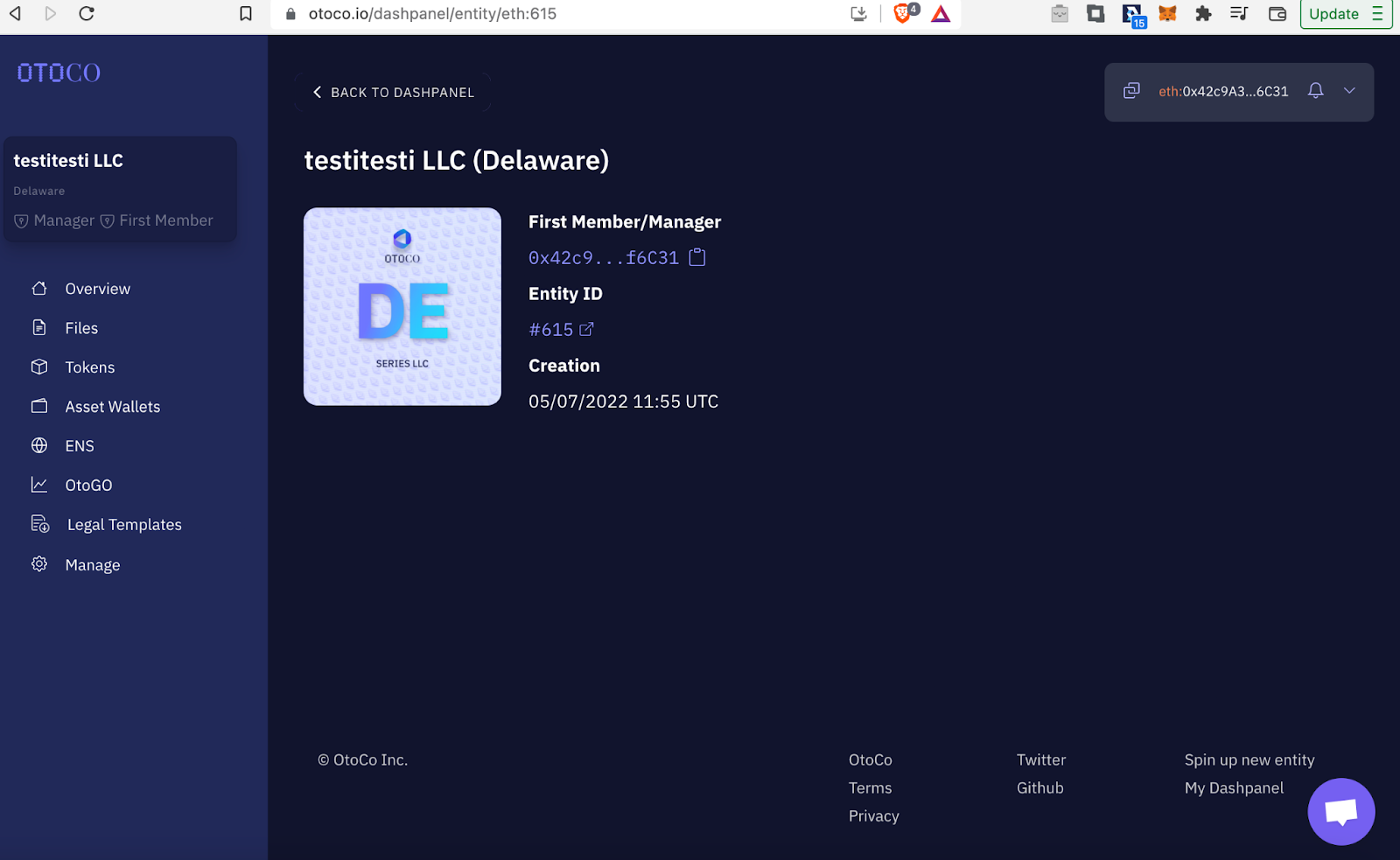
Great, the **legal wrapper prepared for your DAO has been setup**! :tada:
Now let’s integrate it with the Aragon Client DAO!
{% endhint %}
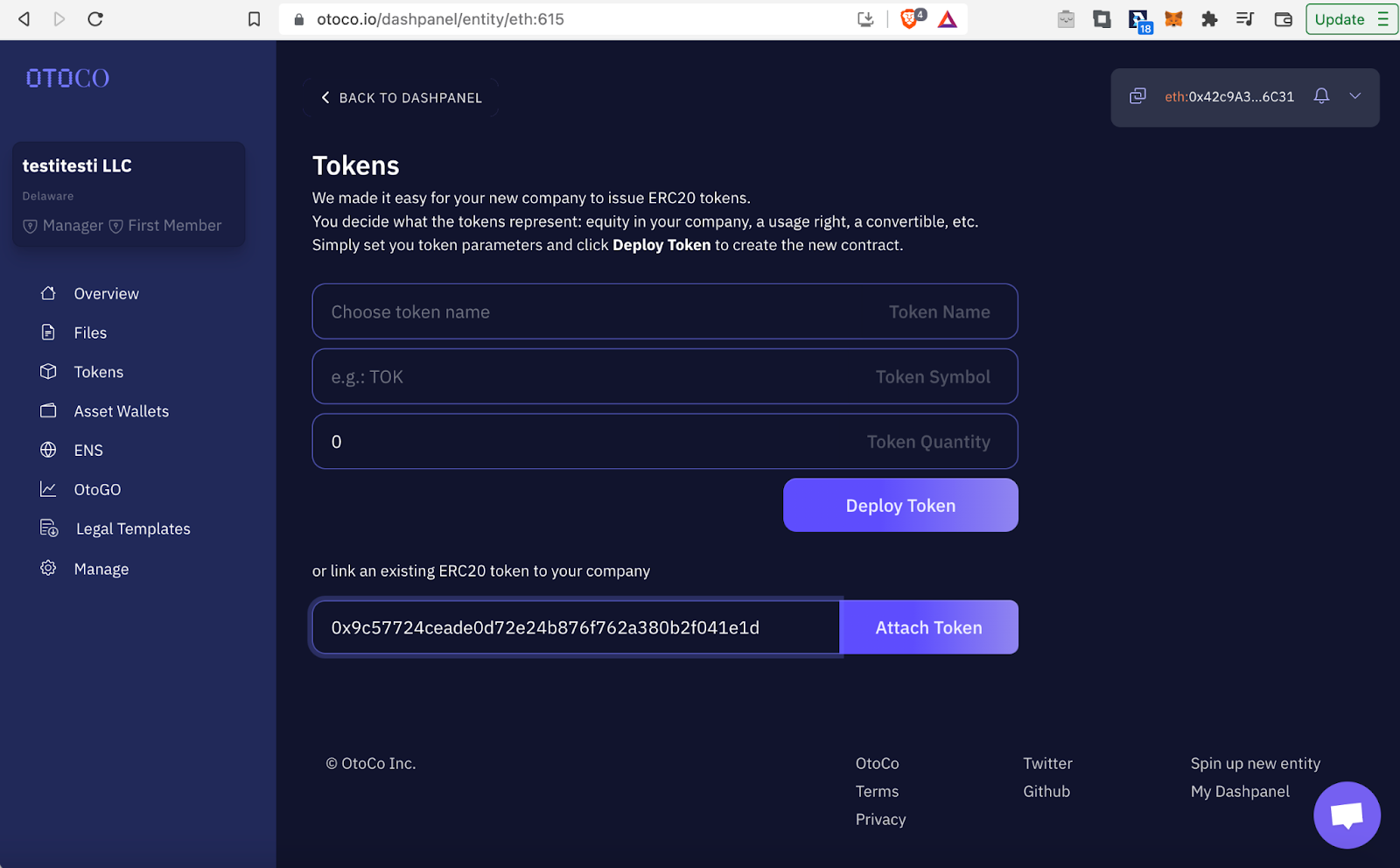
In the Otoco Dashpanel, click on 'Tokens' in the left menu bar:
You should see the following screen:
Now we need some info from the DAO. Go back to the 'Tokens' app of Awesome Music. Here's the link: [**https://client.aragon.org/#/awsmmusic/0xd181ce5f2e300e13f8327f3208da8903e026a048/**](https://client.aragon.org/#/awsmmusic/0xd181ce5f2e300e13f8327f3208da8903e026a048/)
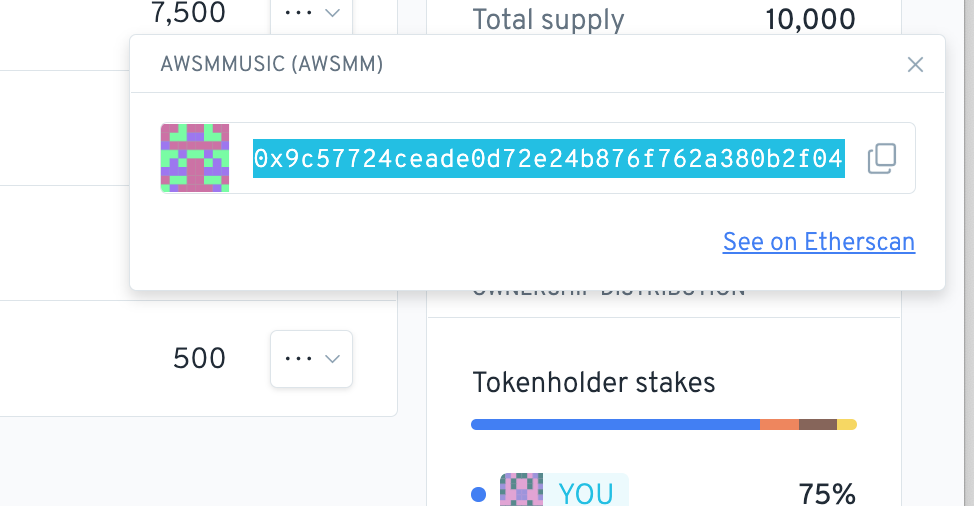
When there click on 'awsmm.. (AWSMM)' in the 'TOKEN INFO' box.
Then copy the token address by clicking on the copy symbol:
Now go back to the Otoco screen and paste the address where it says 'paste your ERC-20 token contract address here', and click on 'Attach Token':
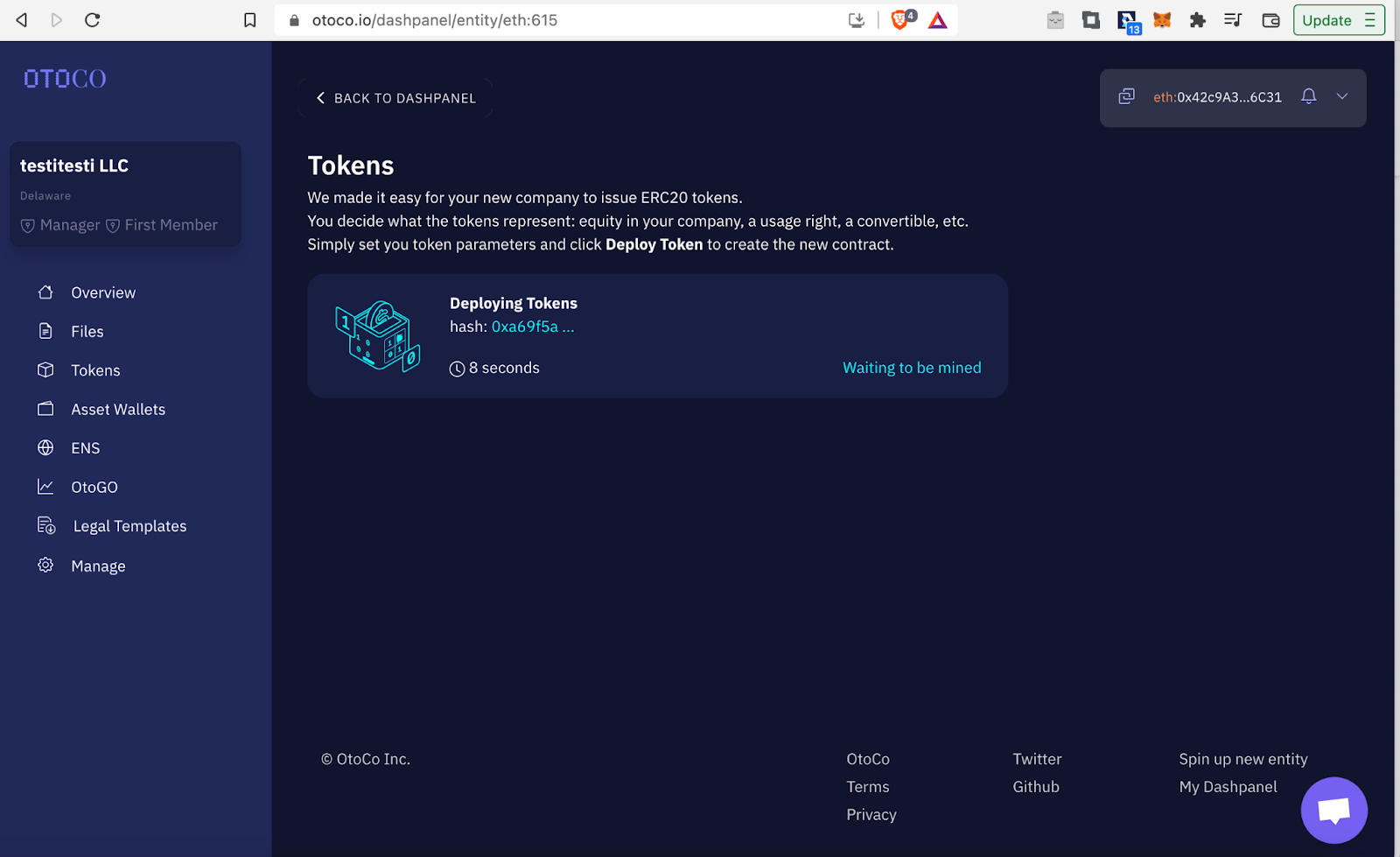
In your Web3 Wallet a transaction should popup. Confirm the transaction and wait for it to be processed.
{% hint style="success" %}
Awesome, your Aragon Client DAO has now been integrated with the **Otoco legal wrapper**!
{% endhint %}
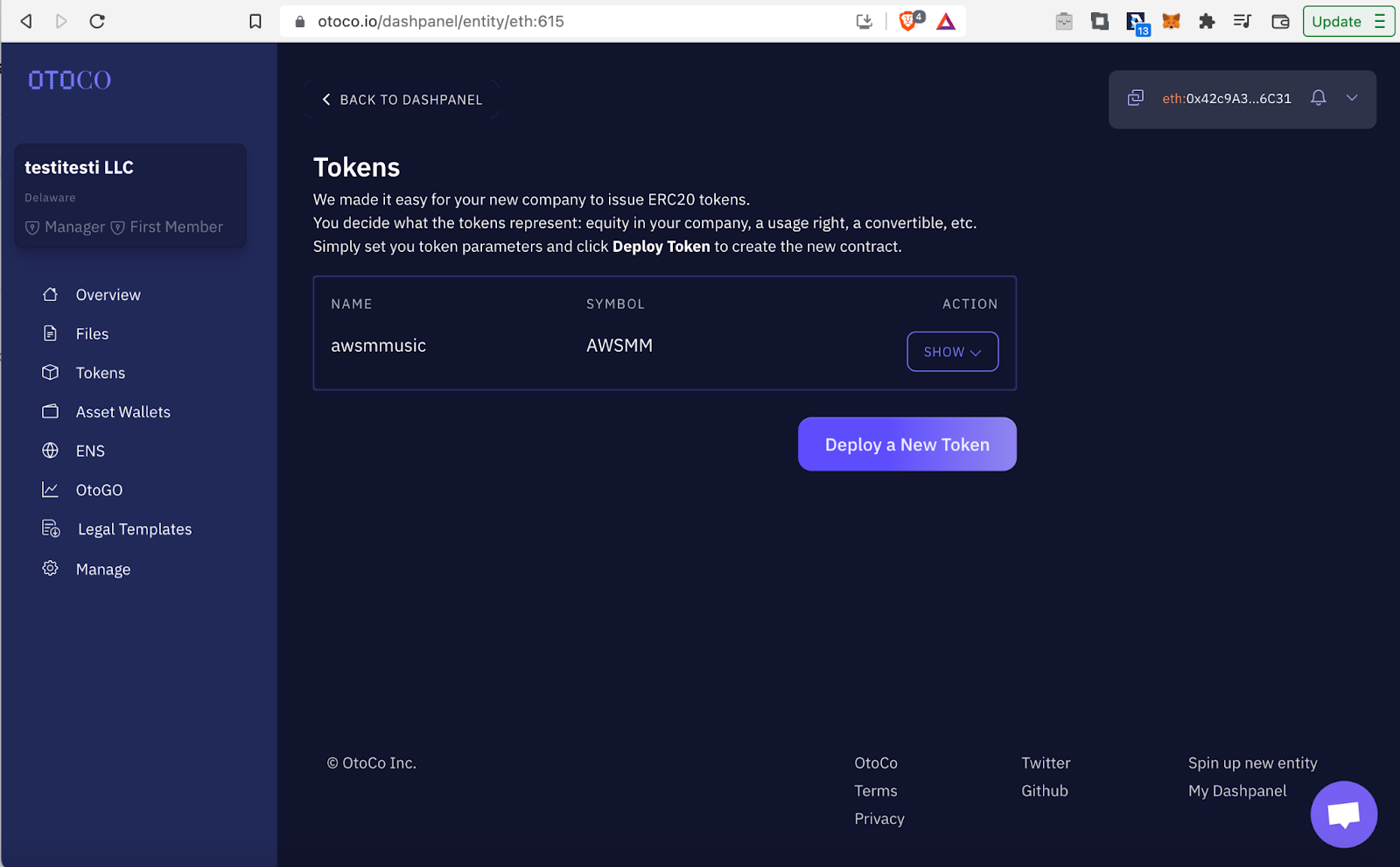
You should see the screen below. Click on 'SHOW' to see all the Awesome Music token holders appear:
You should see a list of current holders:
Now if we go back to the Aragon DAO, you can verify that all the token holders are represented in the Legal Wrapper!
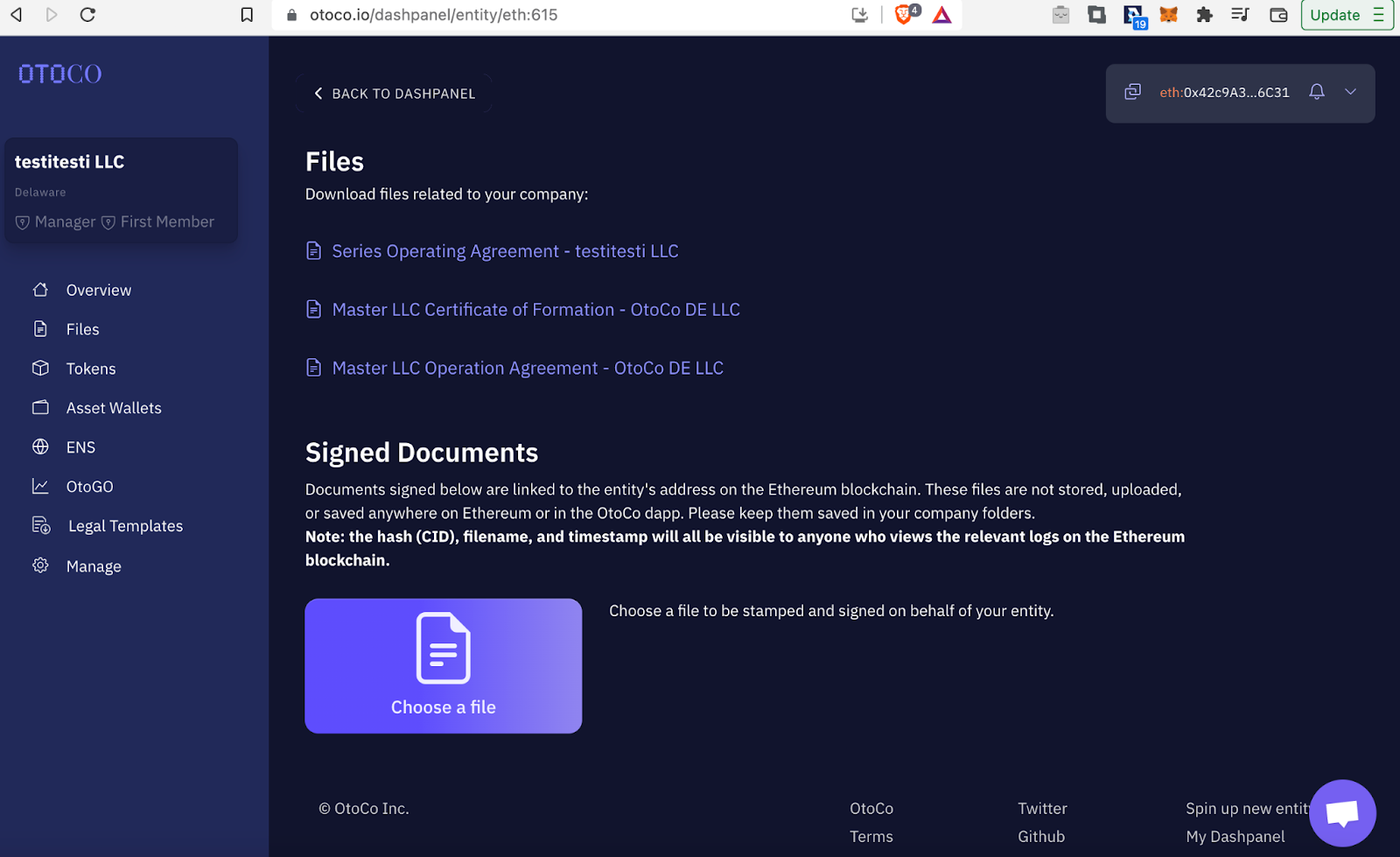
Now last let's take a look at the official LLC documents like the Certificate of Formation. To do so click on 'Files' in the left menu bar. You should see the following:
You can download the LLC documents here.
That was all, good luck now with your DAO in the legacy world! :thumbsup: