# Iconography

## Our Iconography <a href="#our-iconography" id="our-iconography"></a>

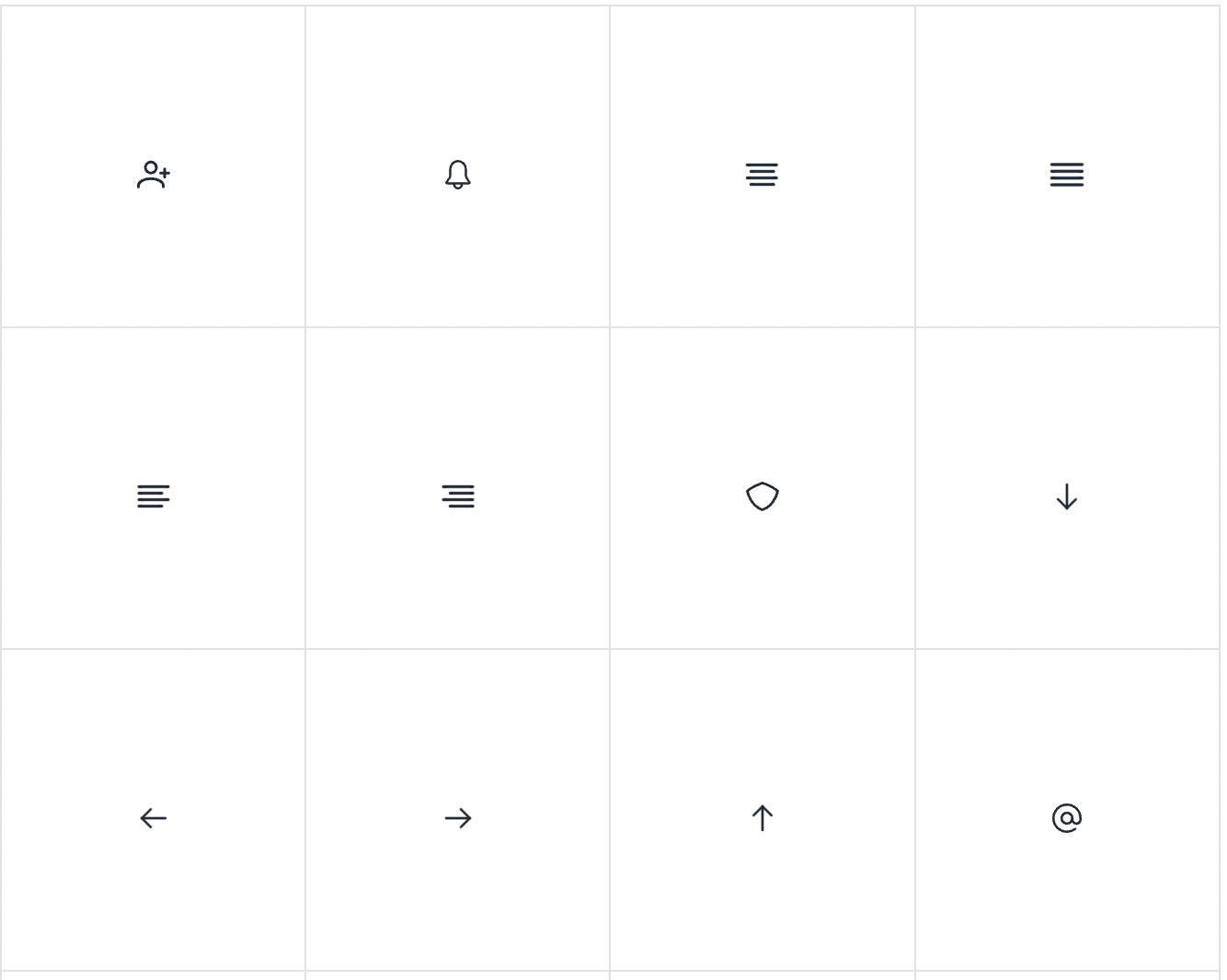
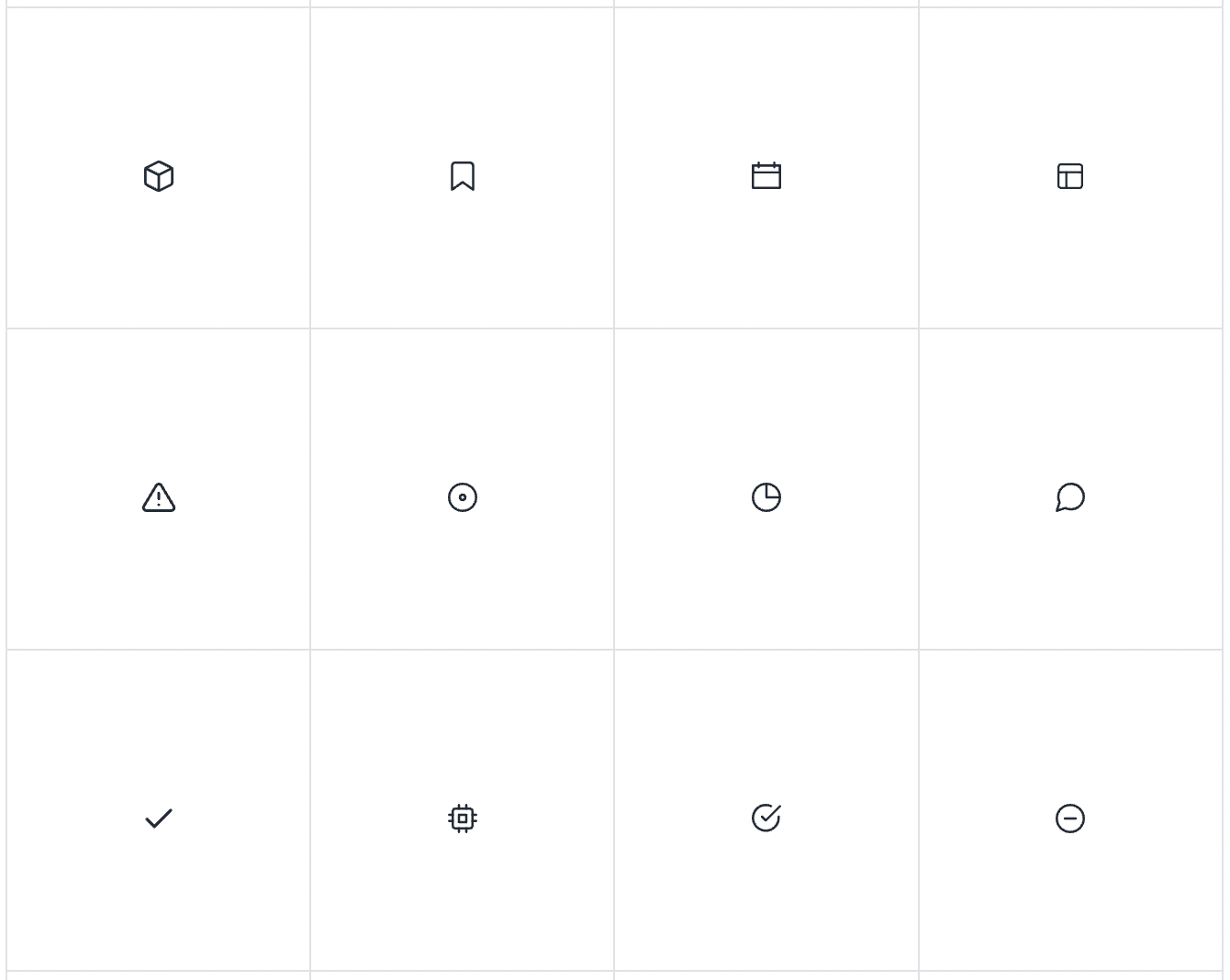
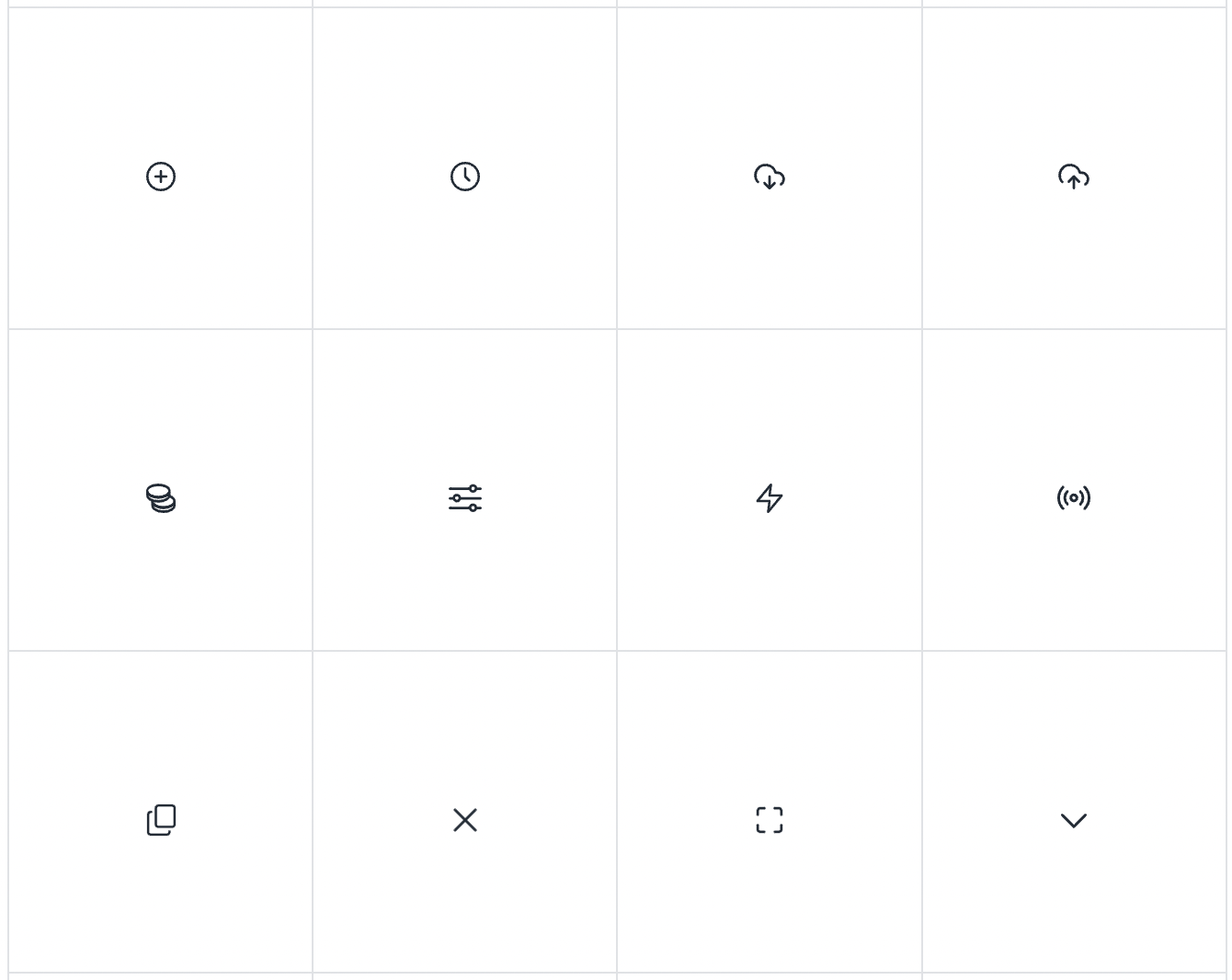
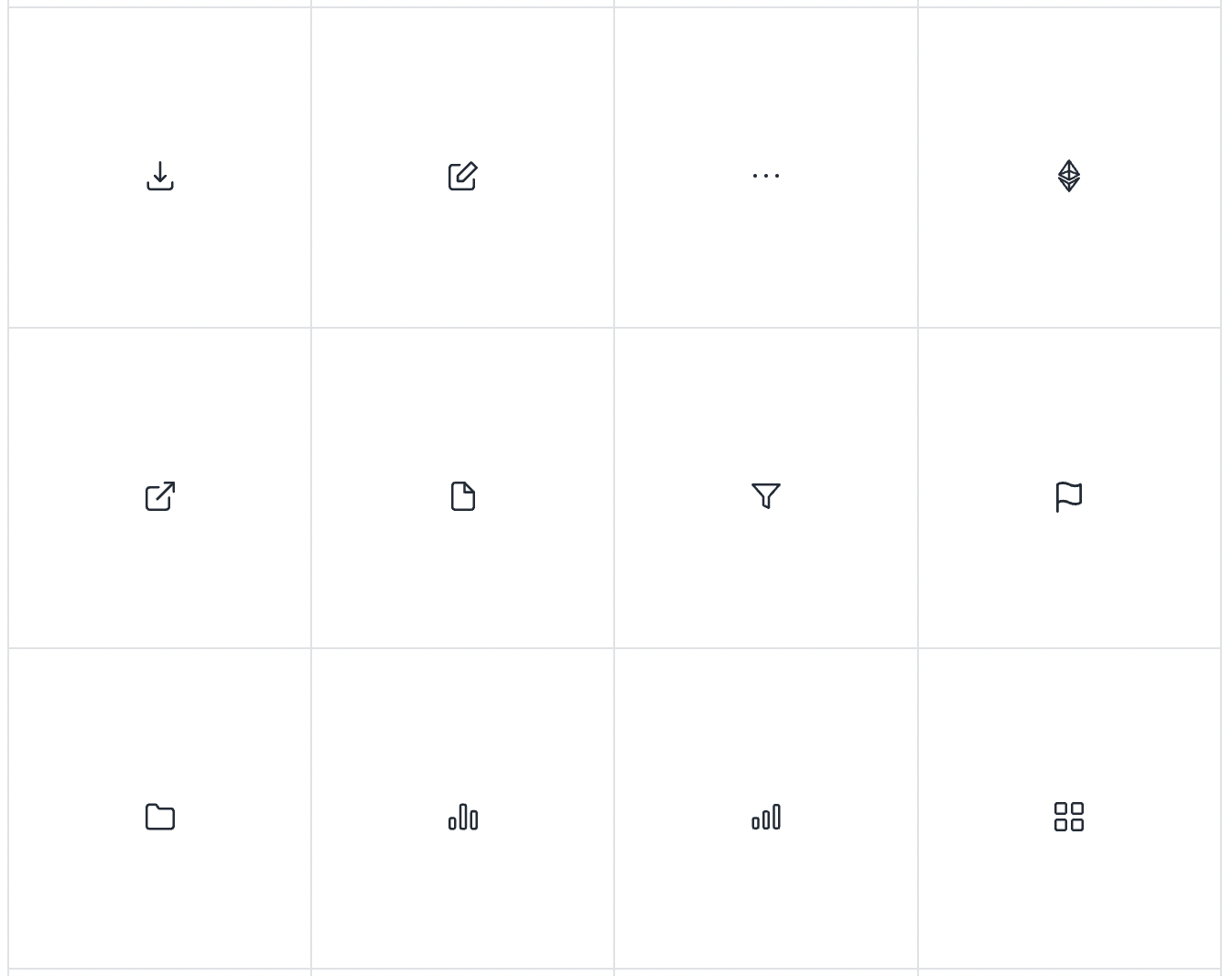
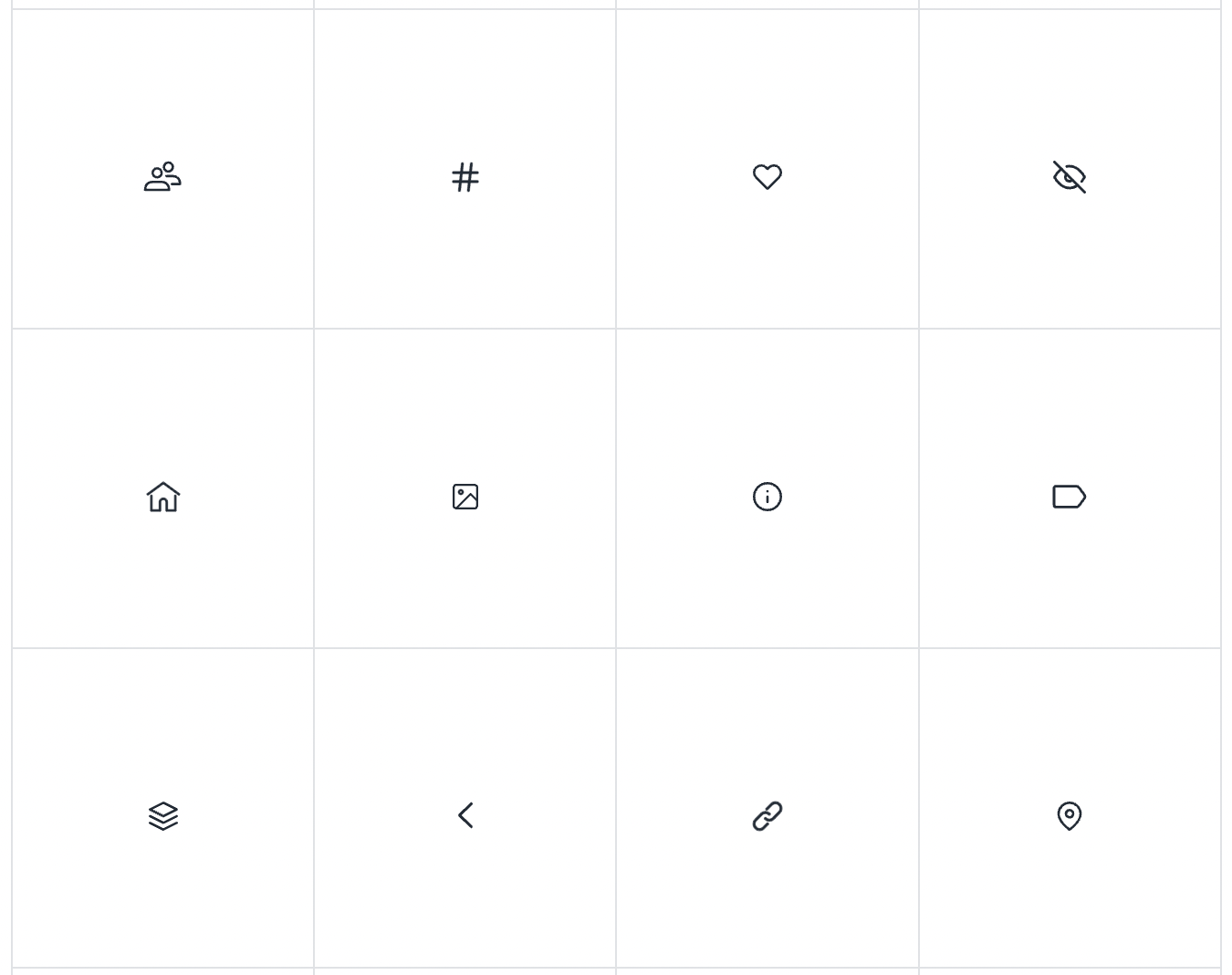
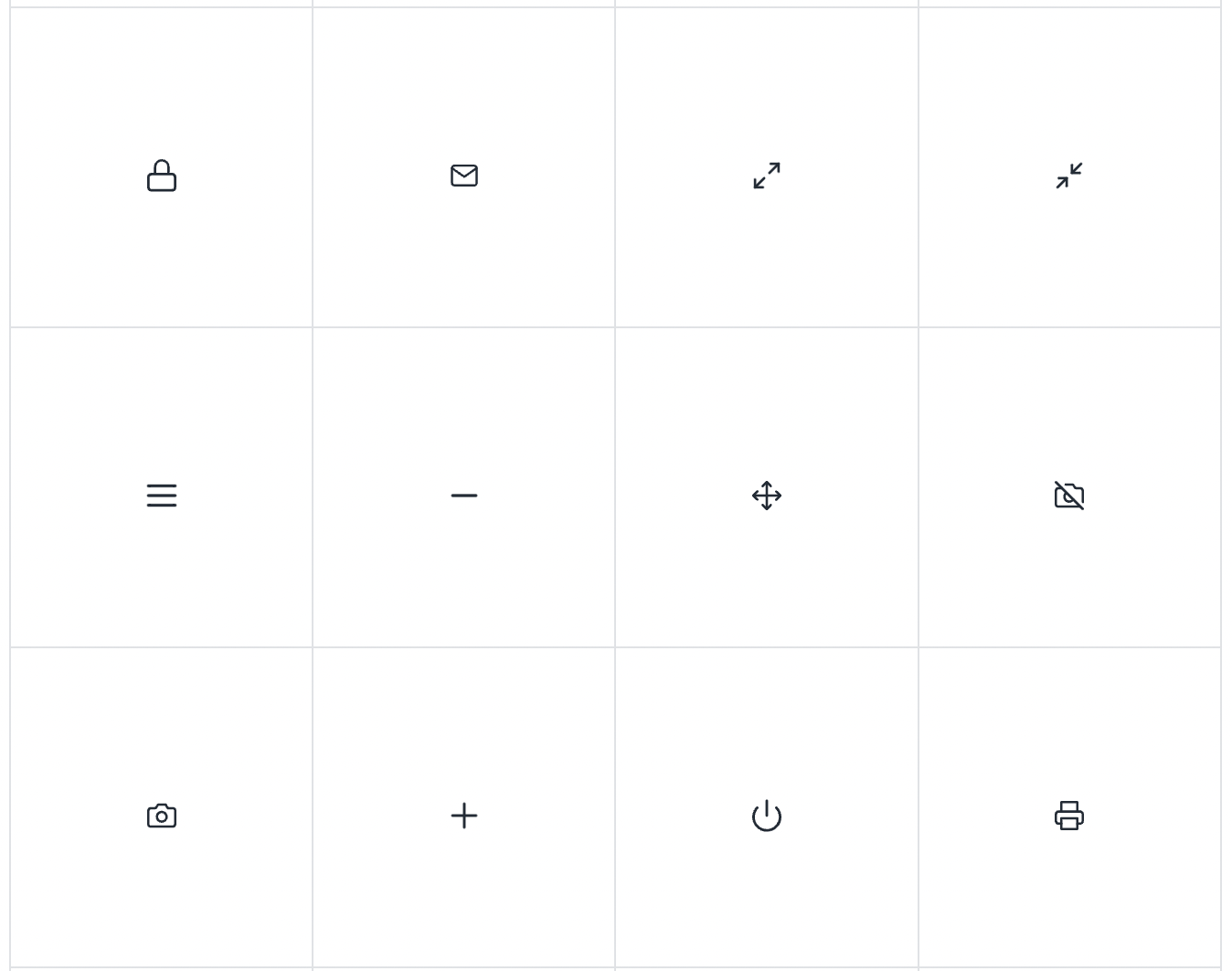
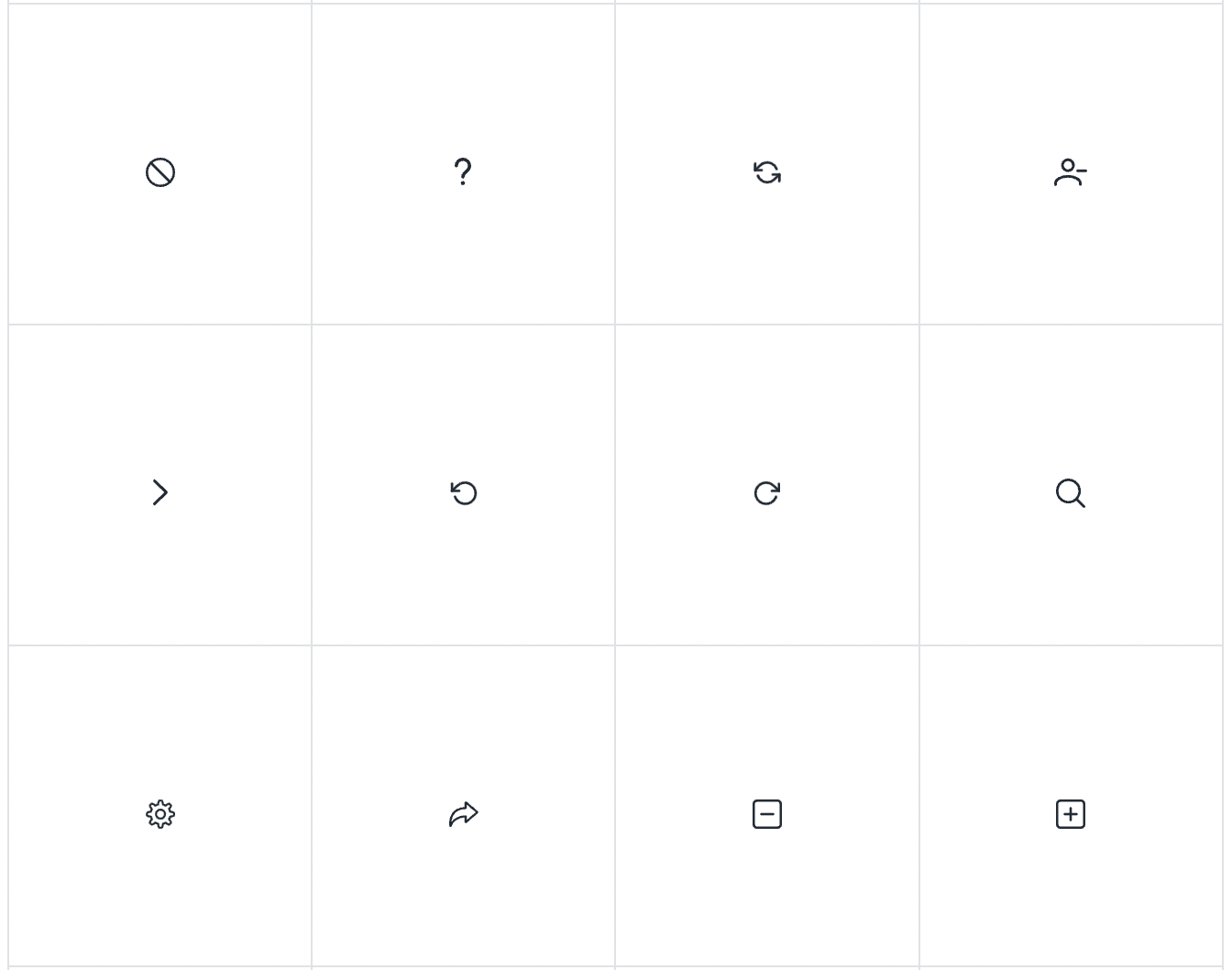
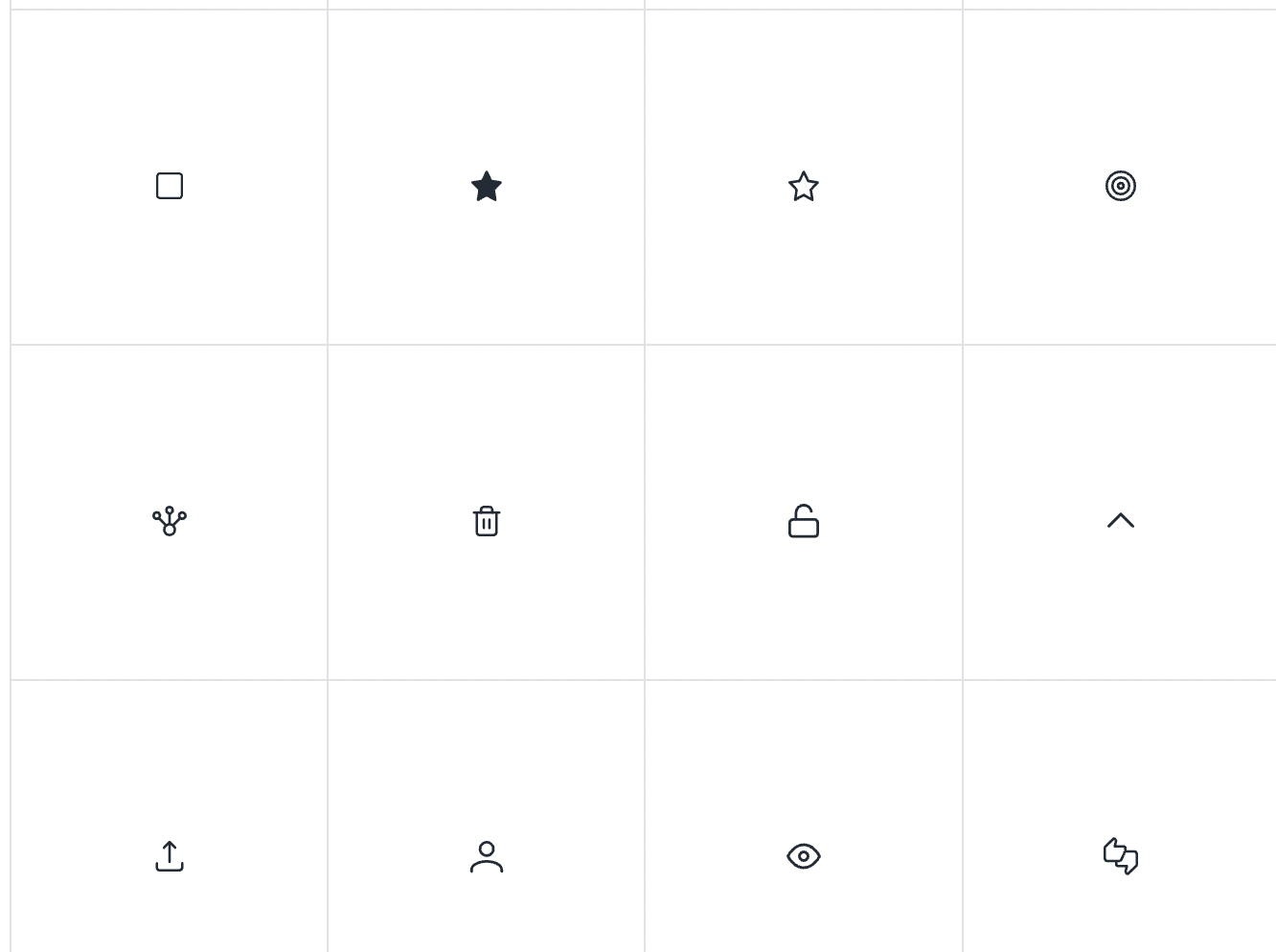
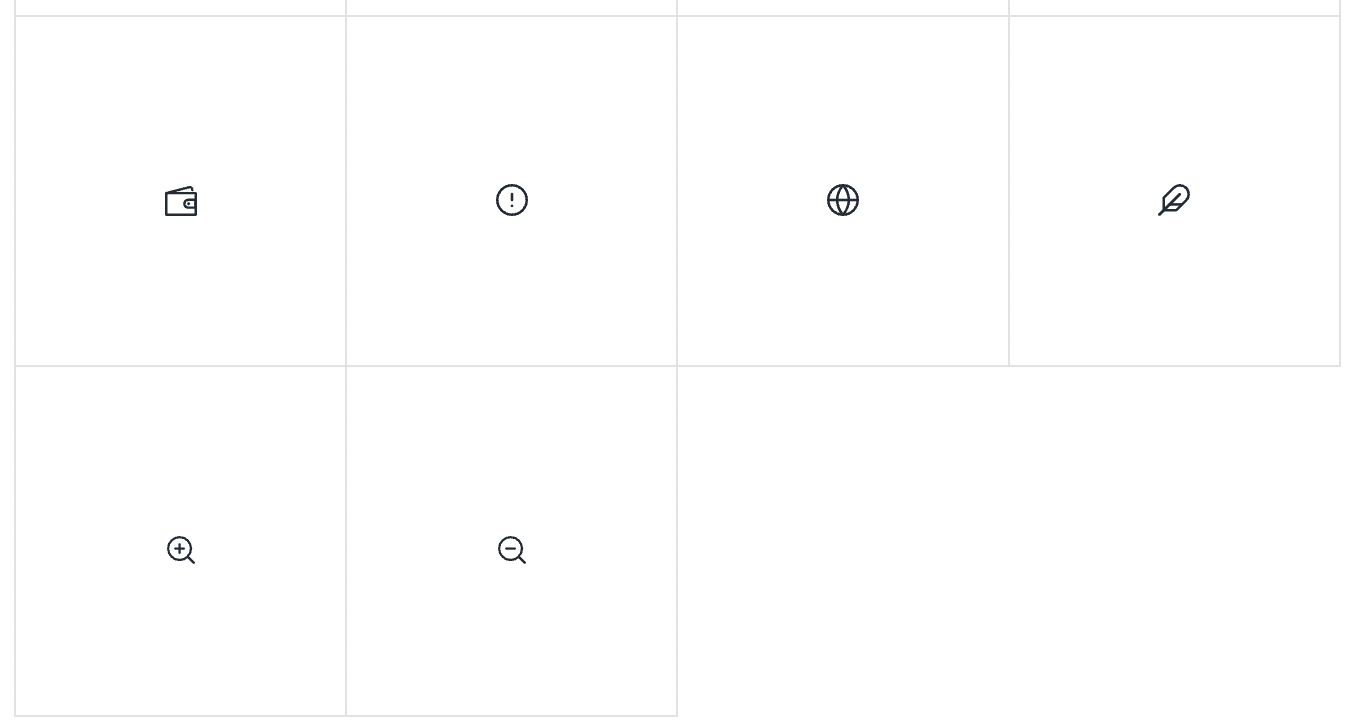
Used sparingly, the icons provide increased meaning and visual importance to sections of content and user actions. Our published set consists of about 100 custom-drawn icons divided into nine categories, with a back catalog of another 400 that can be added as needed.

<figure><img src="/files/mTKexGFdyAM2tMHbhuKb" alt=""><figcaption></figcaption></figure>

## Sizes <a href="#sizes" id="sizes"></a>

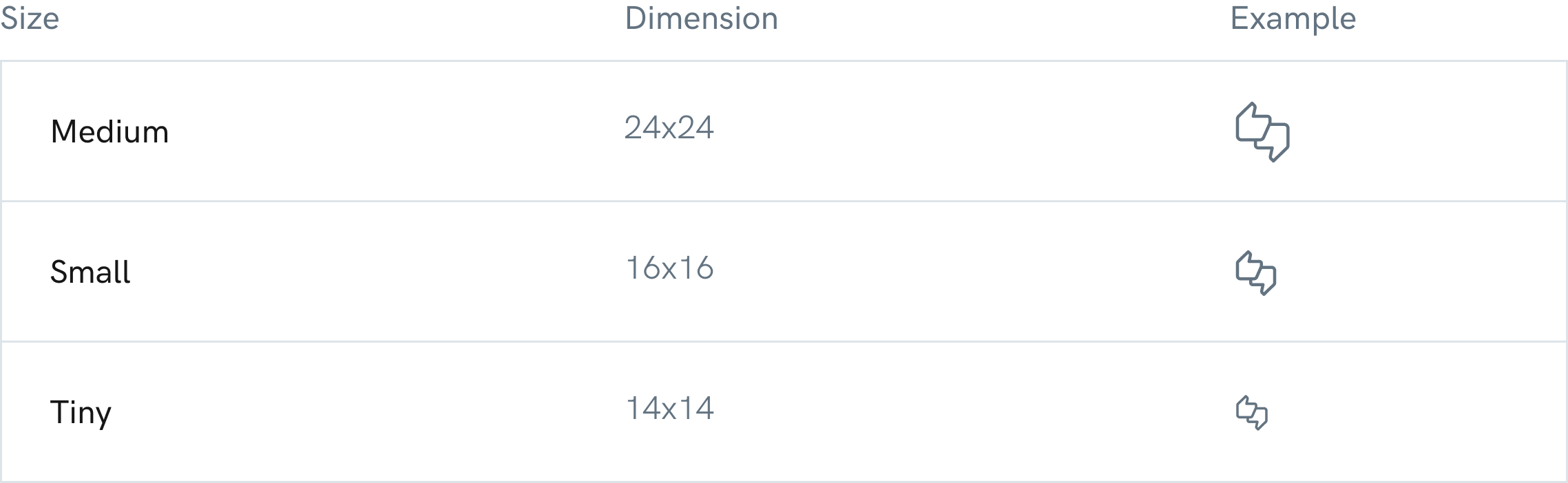
Each icon comes in at least three sizes, “medium” and “small”, with a smaller number in a “tiny” size. This set is available in aragonUI and for [download](https://hack.aragon.org/docs/assets/designSystem/guidelines/icons/Aragon_icons.zip) as PNGs or SVGs.

<figure><img src="/files/qYTO1uwpbaHhmt7XsUpH" alt=""><figcaption></figcaption></figure>

{% hint style="danger" %}
Important: Don’t resize the icons.
{% endhint %}

## Icon specification <a href="#icon-specification" id="icon-specification"></a>

**Inner spacing**\
It is important to respect the inner spacing within our icons, in this case we will apply 4px, in other cases of more vertical icons, these spaces may vary between 2px, 4px, and 8px in more extreme cases.

<figure><img src="/files/HTNUVHmPHuklLvtTw9Yw" alt=""><figcaption></figcaption></figure>

**Stroke thickness**\
Consistency is very important to us. An element that makes all the icons consistent with each other is the thickness of its stroke; the thickness will be defined by 1px on the 24px x 24px icons.

<figure><img src="/files/YhbApFNsDZNLtLvDZRQu" alt=""><figcaption></figcaption></figure>

**Icons colors**\
The color of the icons will always be # 8FA4B5 on the secondary buttons, thus helping to understand the concept of the action. Regarding the color of the icons inside the main buttons, this will be #FFFFFF.

<figure><img src="/files/UqBJv8M8HJtnXiXglY35" alt=""><figcaption></figcaption></figure>

## Icons library <a href="#icons-library" id="icons-library"></a>

<figure><img src="/files/zIOa8nrmcVCdrRw1FWG6" alt=""><figcaption></figcaption></figure>

<figure><img src="/files/3ExXZS62kW90mYazxGb7" alt=""><figcaption></figcaption></figure>

<figure><img src="/files/lzdeoDfoqk6oCzdDucHI" alt=""><figcaption></figcaption></figure>

<figure><img src="/files/pxGrG6xzONwniJCrdnOl" alt=""><figcaption></figcaption></figure>

<figure><img src="/files/79IHVJnmzgho7xmZ8me3" alt=""><figcaption></figcaption></figure>

<figure><img src="/files/LclIl7nR4RfZFLsEVQeR" alt=""><figcaption></figcaption></figure>

<figure><img src="/files/eCrk1kFsChkCkOGykdCm" alt=""><figcaption></figcaption></figure>

<figure><img src="/files/0tWVxjmULottePJe3lCh" alt=""><figcaption></figcaption></figure>

<figure><img src="/files/NYucUSQYLXZjOJKeRL67" alt=""><figcaption></figcaption></figure>

I\_cons credits: <mark style="color:purple;">Cole Belmis</mark> & <mark style="color:purple;">Owi Sixseven</mark>\_


---

# Agent Instructions: Querying This Documentation

If you need additional information that is not directly available in this page, you can query the documentation dynamically by asking a question.

Perform an HTTP GET request on the current page URL with the `ask` query parameter:

```
GET https://legacy-docs.aragon.org/developers/tools/aragonds/guidelines/iconography.md?ask=<question>
```

The question should be specific, self-contained, and written in natural language.
The response will contain a direct answer to the question and relevant excerpts and sources from the documentation.

Use this mechanism when the answer is not explicitly present in the current page, you need clarification or additional context, or you want to retrieve related documentation sections.